
Digital strategy & design studio
Brand,website,growth—doneproperly.
Most businesses come to us with one problem — not enough leads, a website that doesn't convert, ads that aren't working. Usually the real issue starts earlier. We work with owner-operators who want to fix it properly: clear positioning, a site built around how people actually buy, and marketing that compounds.
A 30-minute call to talk through what you need. No deck, no pitch. We'll tell you straight if it's not a fit.
Bal —
Founder, Kefilab

Brandbeforewebsite. Websitebeforeads.
Methodology
A sequenced engagement, not three subscriptions.
Brand, Build and Grow are usually bought from three different providers. We do them as one continuous piece of work, in the order that compounds.
01
Brand
Clarity first
Before the website, before the ads — clarity. Who you’re for, what you do, and why it matters. Without this, everything else is guesswork.
- Brand strategy & positioning
- Messaging framework
- Visual identity system
- Tone of voice
02
Build
A site that works
Fast, mobile-first, and designed around how your customers make decisions — not around what looks good in a portfolio.
- Website design & development
- Conversion optimisation
- Technical SEO foundation
- Marketing infrastructure
03
Grow
Traffic that converts
SEO, paid acquisition, and automation connected into a system — not three disconnected subscriptions.
- SEO (technical & content)
- Google & Meta ads
- Marketing automation
- Analytics & reporting

What we believe
Fourthings,louderthantherest.
01
Order matters.
Brand before website. Website before ads. Skipping steps costs more than doing them in the right sequence.
02
Clarity converts.
A business that knows exactly who it's for and what it offers will outperform a more polished competitor that doesn't. Every time.
03
Connected beats isolated.
A brand strategy that informs the website that informs the ads is more effective than three separate briefs. The joins matter.
04
Outcomes over outputs.
We measure success by what the work produces — leads, conversions, growth — not by how it looks in a portfolio.
Recent work
Differentbriefs.Samemethod.
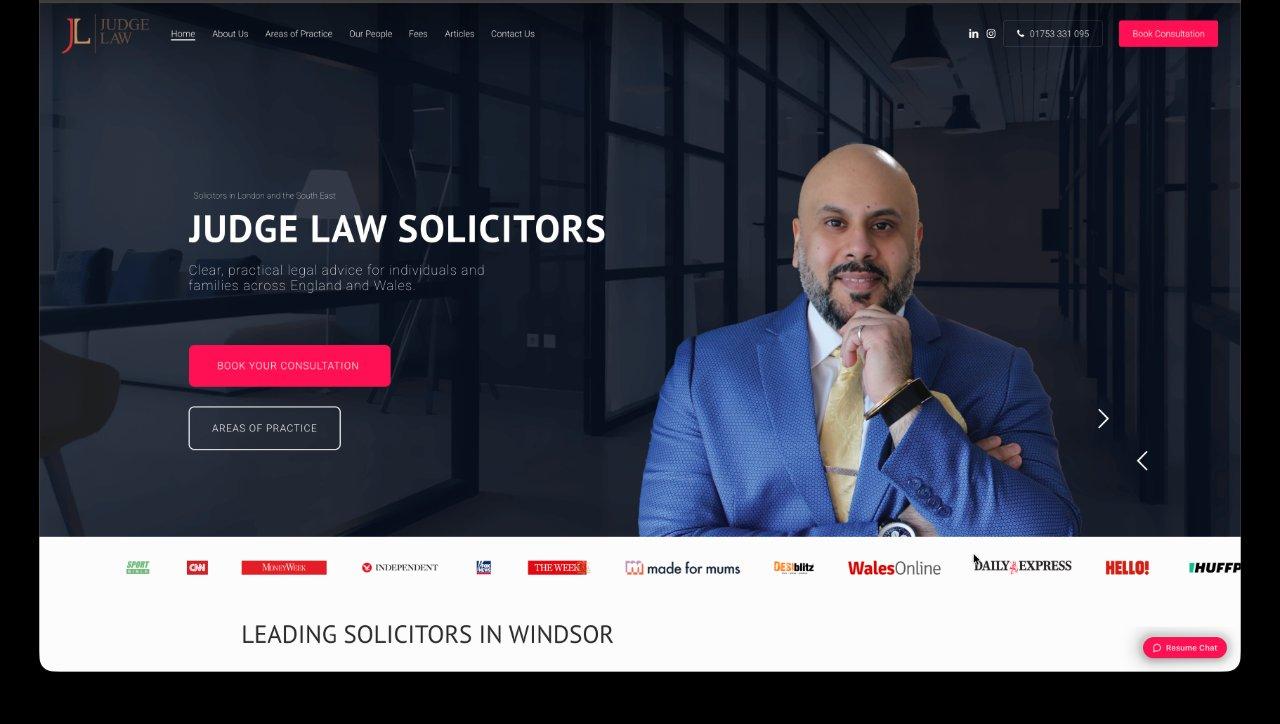
Legal · 2024
Judge Law
Full Brand → Build → Grow engagement for a Windsor and London law firm. Repositioned, rebuilt, then grown — also the origin of Kefilex.
Brand · Build · Grow
Open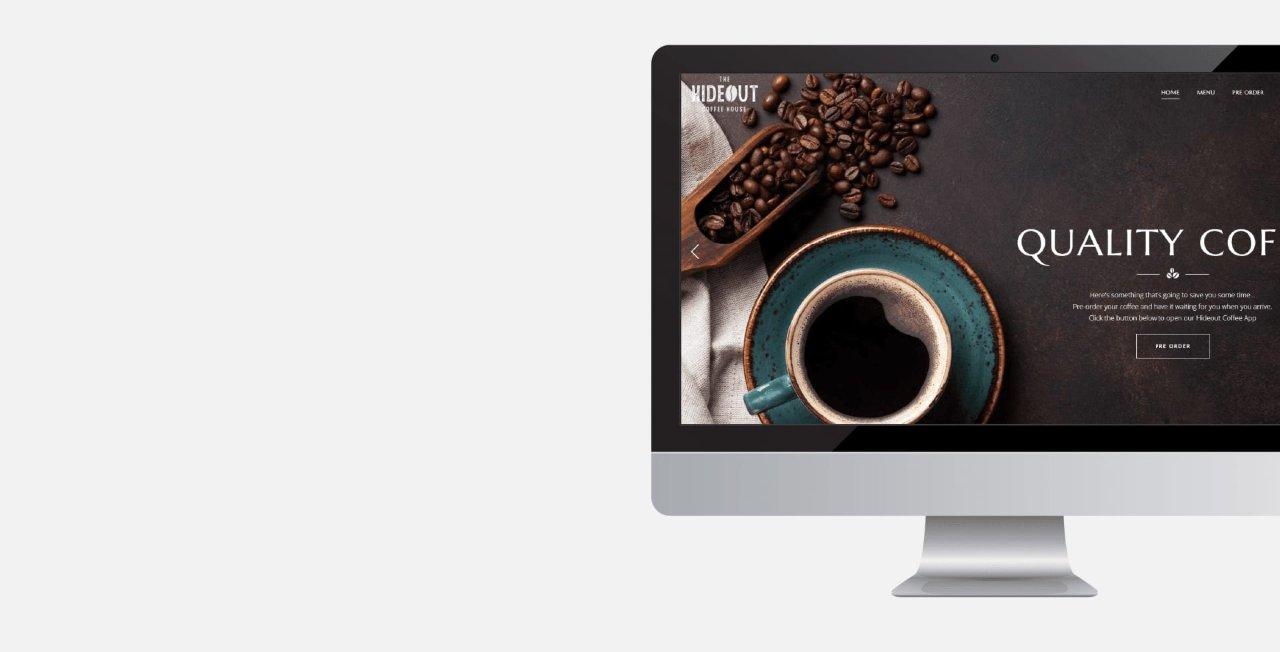
Hospitality · 2022
Hideout Coffee House
Website design for an independent coffee house in Brentford. Built to drive footfall; local SEO to capture nearby searches.
Build · Grow
Case study coming
Fintech · 2024
Tekton Algo Trading
Brand and website for an algorithmic trading platform. Complex subject matter made accessible — clear positioning for a technical product.
Brand · Build
Case study coming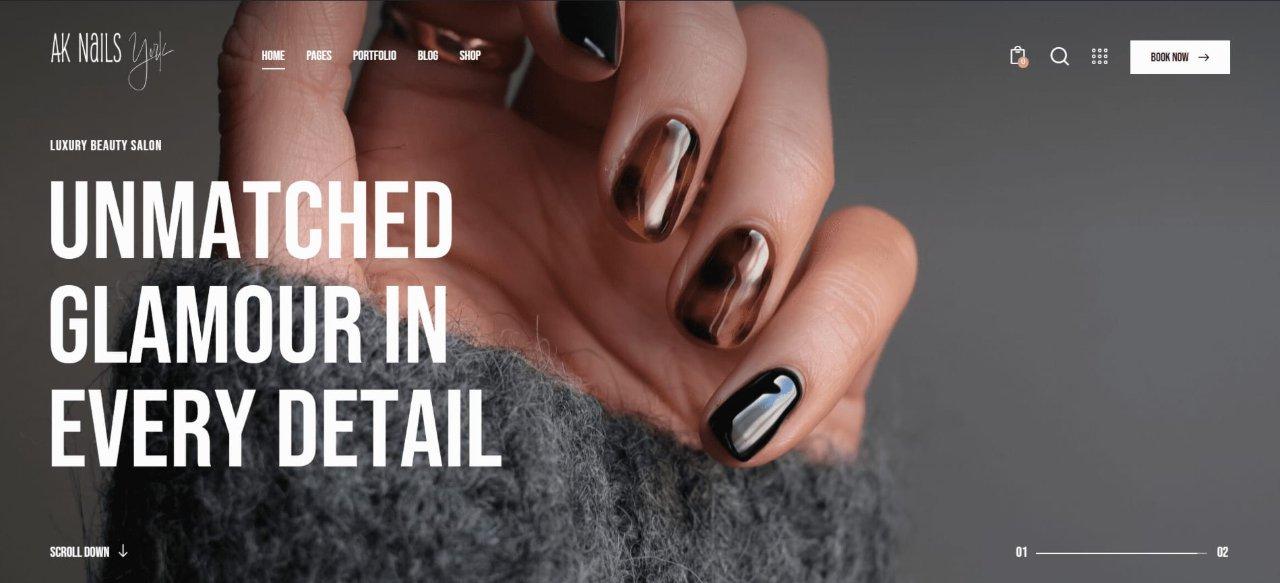
Beauty · 2024
AKNails York
Website and brand identity for a nail salon in York. Built for bookings — clear service menu, gallery, and a booking flow that removes friction.
Brand · Build · Grow
Case study coming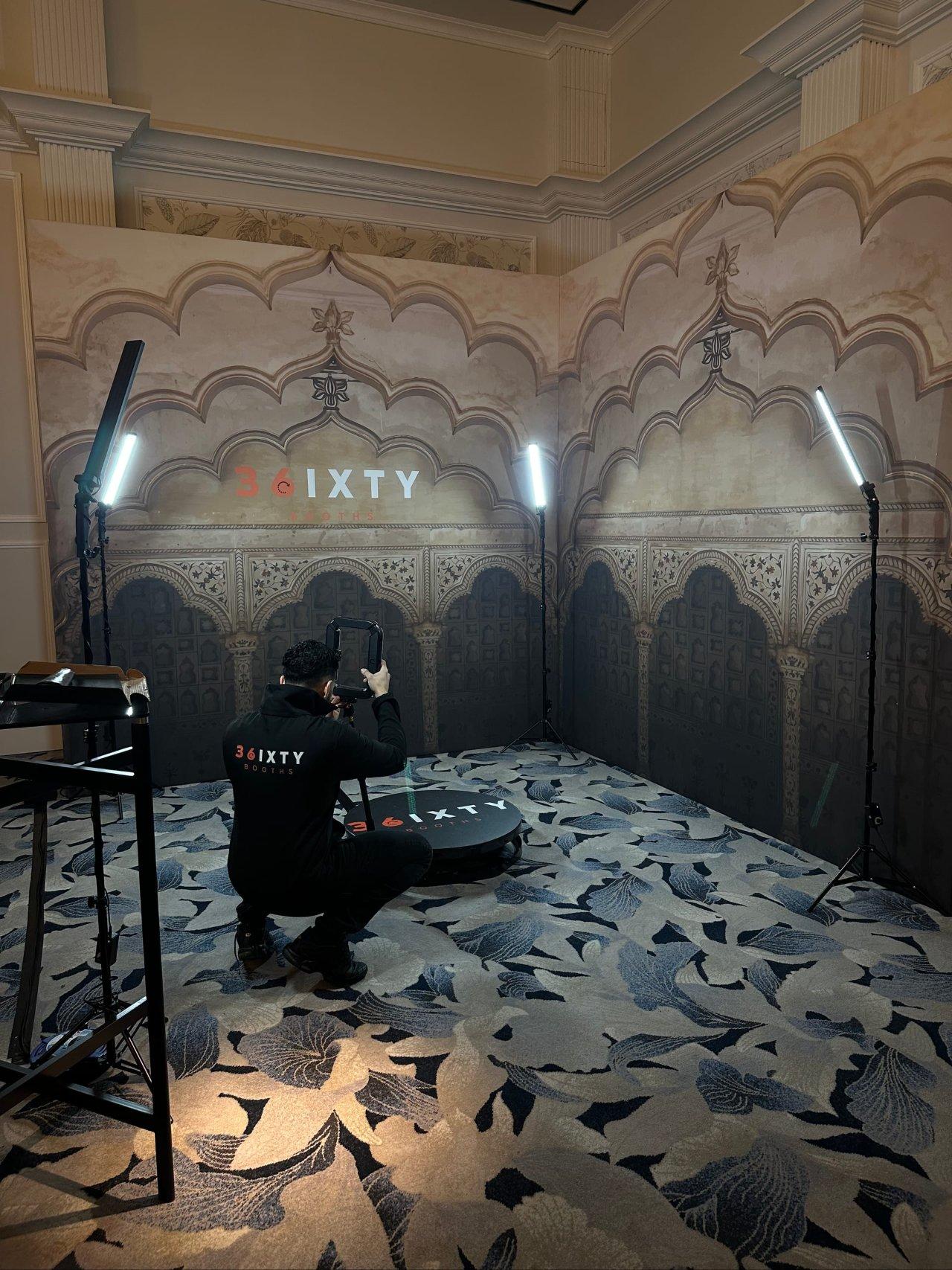
Events · 2023
36ixty Events
Brand identity and website for an events company. Bold visual identity built to stand out in a saturated market — designed for print, social, and venue signage.
Brand · Build
Case study coming
Prof. services · 2023
Savita Klear
Brand and digital presence for a professional services client. Clear, considered identity built for credibility and approachability in equal measure.
Brand · Build
Case study comingFeatured work
Methodologyinpractice.
Kefilex — SaaS product
Built by Kefilab. Proof it works.
Judge Law came to us as a client. The brand work, website and paid acquisition were generating enquiries — what happened next was a black box. So we built Kefilex: an analytics platform that gives law firms using Clio full visibility from first click to bill paid.
Brand · Build · Grow
kefilex.com · live product
Leads / mo
47
+12
Converted
19
40%
Open £
£42k
↑ 18%
Lead pipeline
Judge Law — Law firm
Repositioned, rebuilt, then grown.
A London property-disputes firm with strong word-of-mouth and a WordPress site that hid it. We sharpened the positioning, rebuilt the site around how prospects actually research a lawyer, and pointed paid search at it — in that order.
Brand · Build · Grow
judgelaw.co.uk · live since 2024